Skärgård Labs

Platform

The engine underneath every scenario.

Layers we built ourselves, because off-the-shelf game tech was never meant to talk to a PLC or show you what a real lamp does in fog.

01 / PHYSICS

Complex physics

A physics layer designed for machinery: rigid bodies, joints and linear and angular actuators you can drive from control logic. A dedicated cable solver handles winches, wires and cables, and a hydrodynamic model handles anything that floats.

Rigid bodies · Joints · Actuators · Cable solver · Hydrodynamics · Simulated sensors
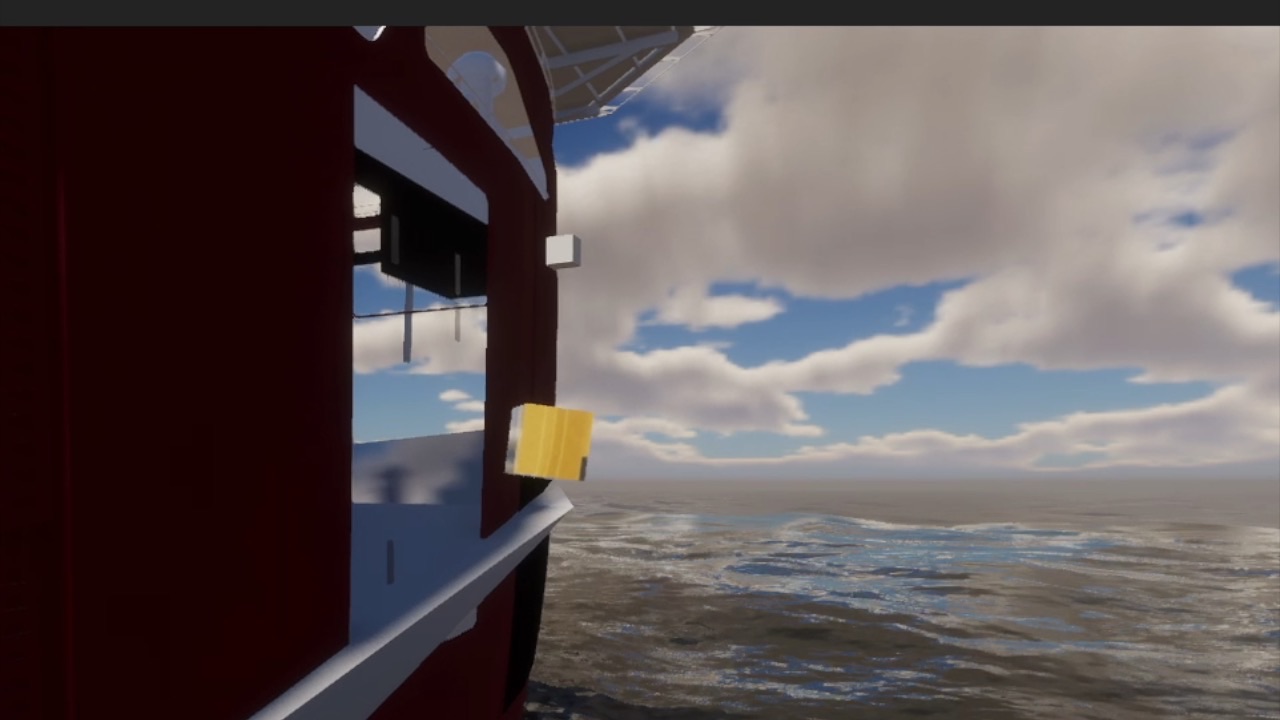
A vessel moving in the water model under a cloudy sky
02 / CONTROL

Native PLC integration

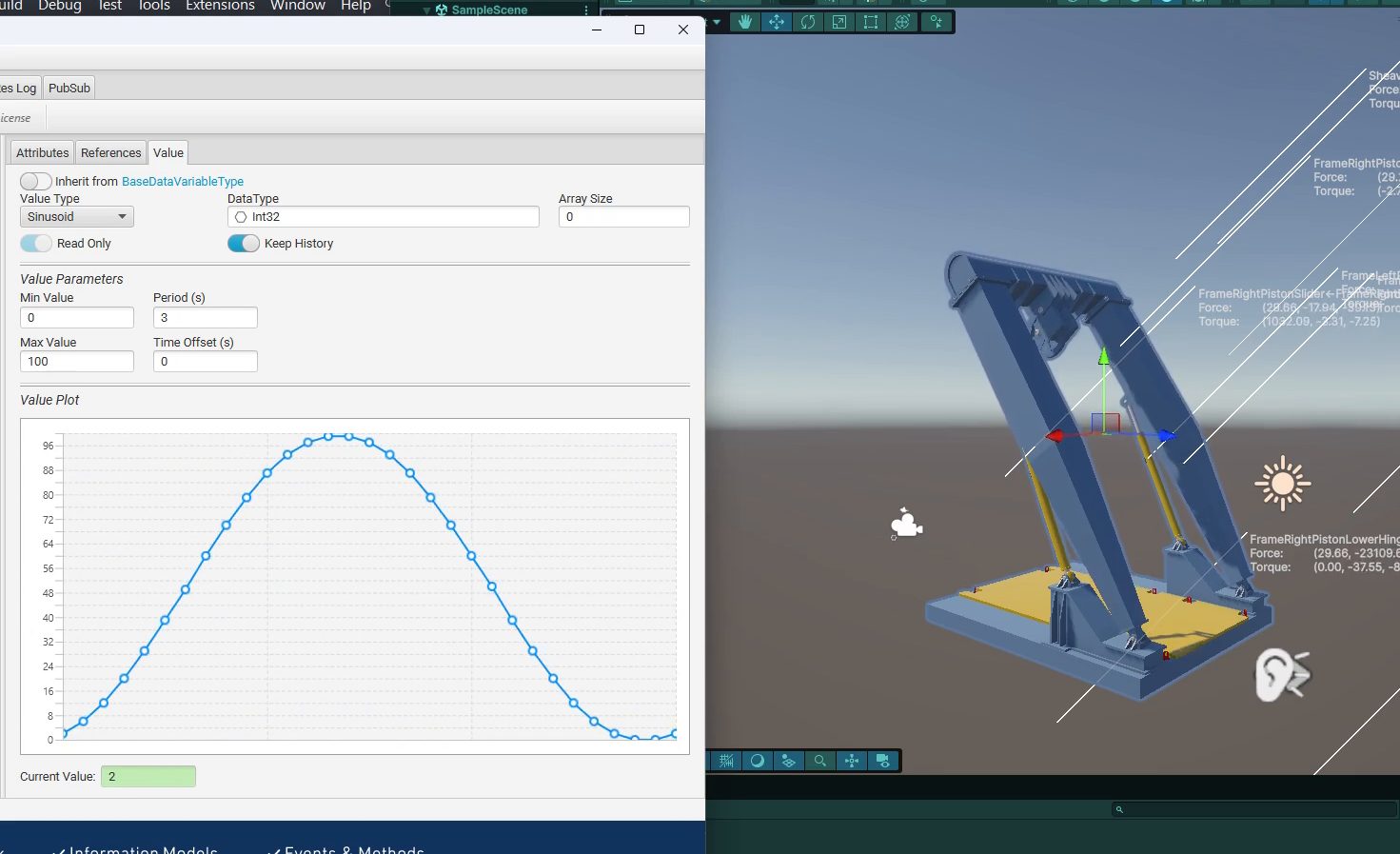
Connect real or virtualised PLCs through secured OPC UA, Modbus and CANbus. Tags map straight onto actuators and sensors in the scene, so the simulation becomes a digital twin of your control system, and your control logic is tested against physics rather than a test bench.

OPC UA · Modbus · CANbus · Hardware-in-the-loop · Software-in-the-loop

An OPC UA tag plotted as a sine wave next to the simulated machine it drives
First PLC connection: an OPC UA tag drives the simulated actuator directly.
03 / VISUALS

Next-level visuals

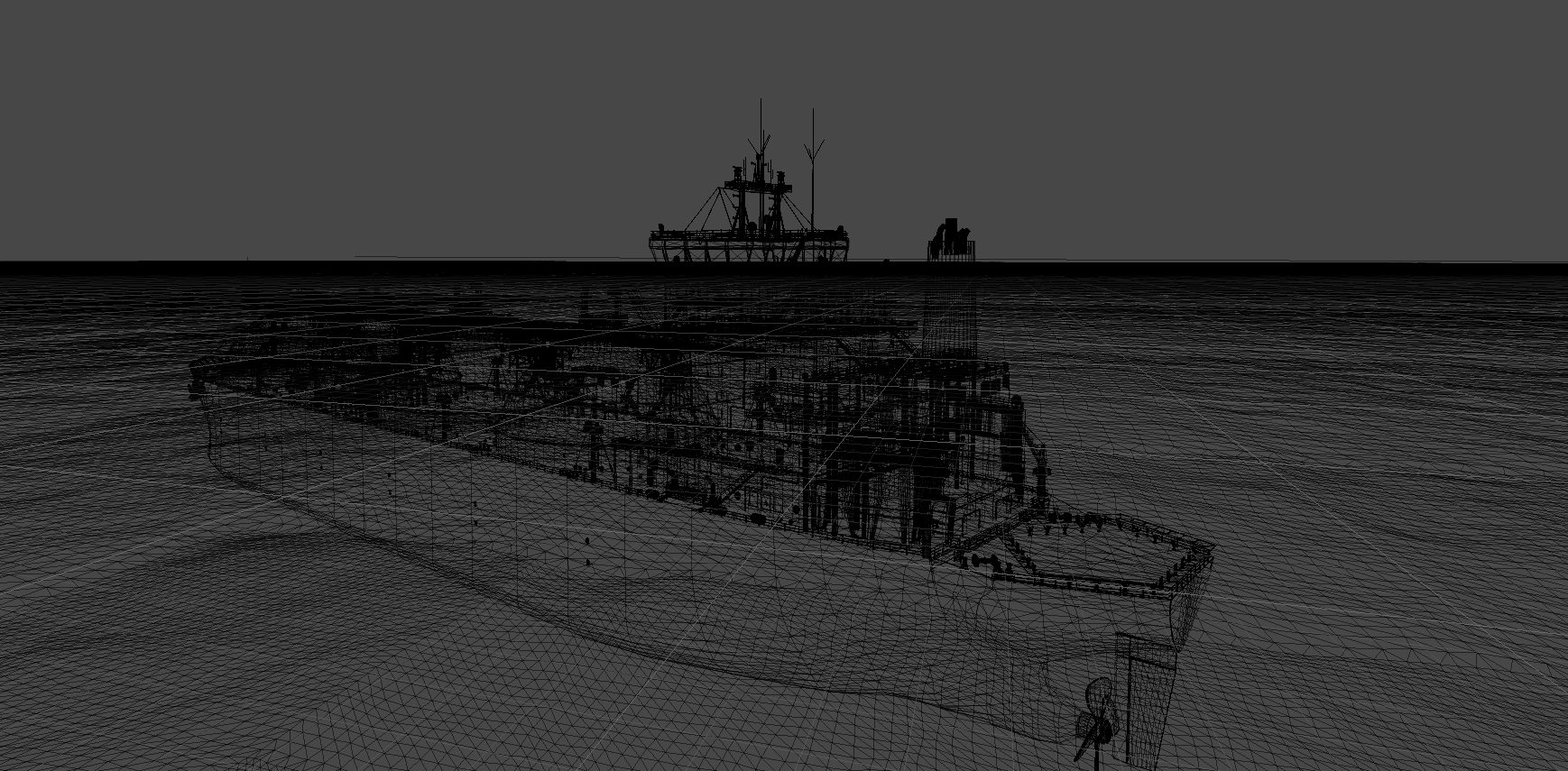
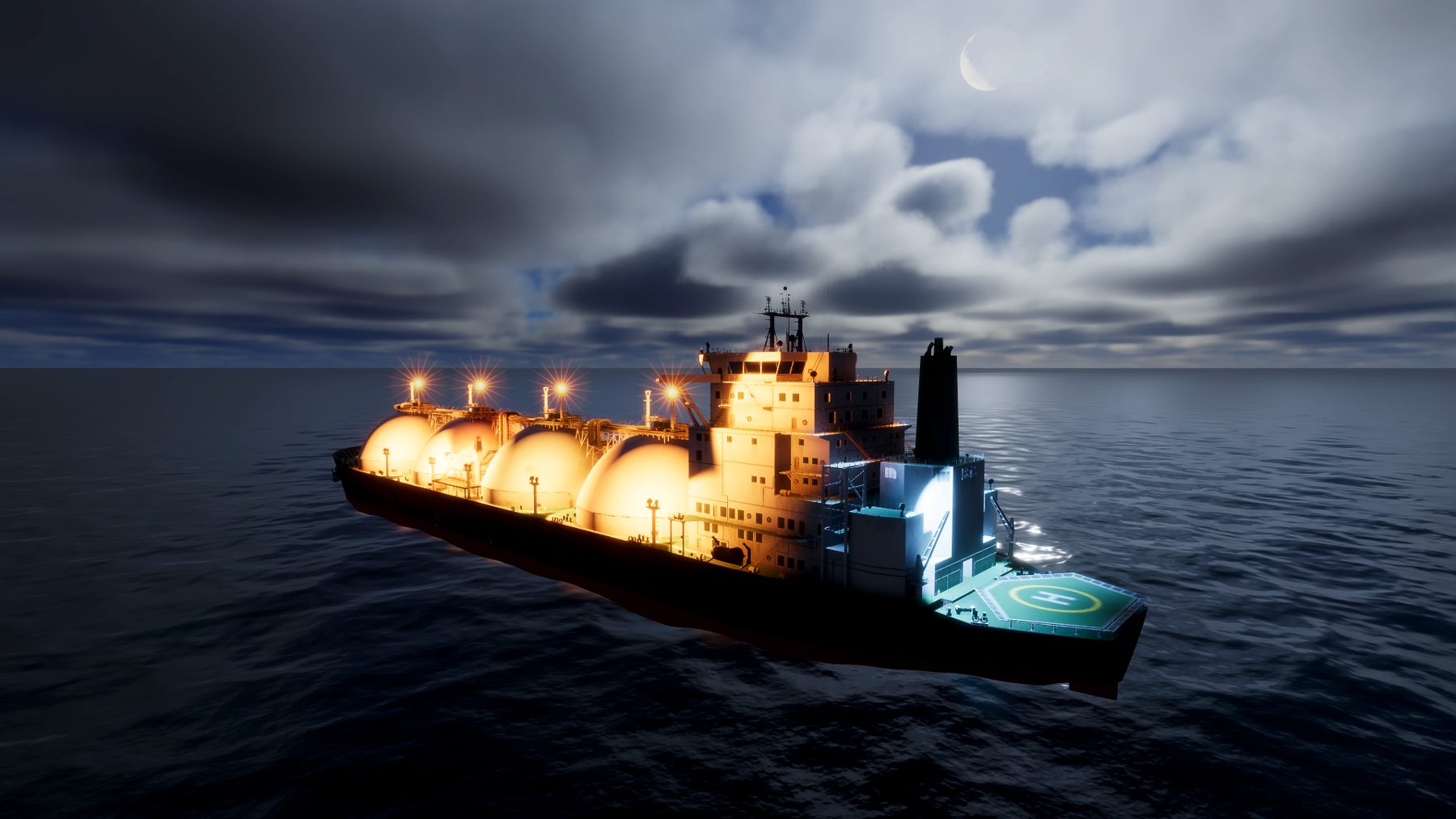
Industry-standard lamp profiles, unlimited shadows, volumetric air and in-camera optics. Train on what the real thing looks like, not a sunny-day render.

IES (IESNA LM-63) · EULUMDAT (LDT) · Volumetric fog · Camera optics

Wireframe view of the LNG carrier model The same LNG carrier rendered at night with photometric deck lights
04 / NETWORK

Multi-platform by design

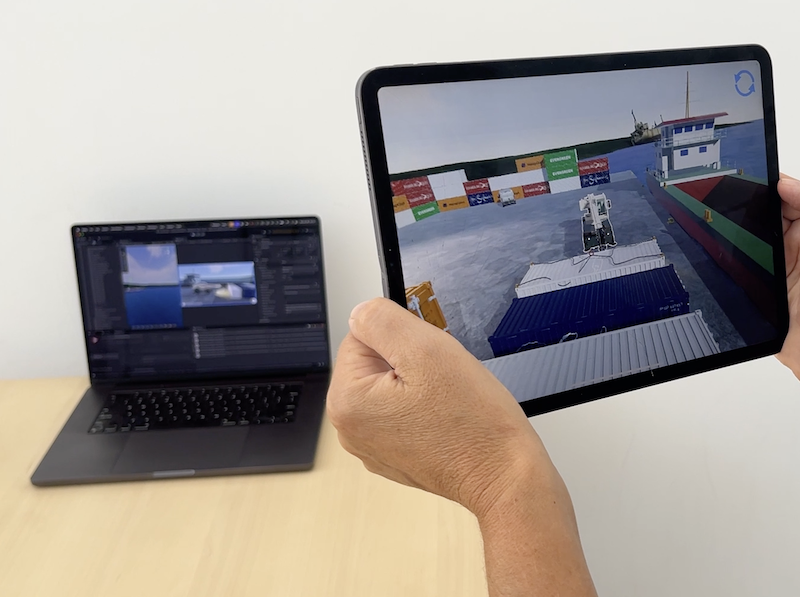
A .NET server coordinates every participant over WebSocket and JSON-RPC, while rendered views stream to each screen. Mac, PC, iPhone, iPad and browsers join the same session, each with the input that suits it.

.NET · WebSocket · JSON-RPC · Docker

An iPad showing the simulated port in augmented reality, with the simulation running on a laptop behind it
Remote viewers join from a browser; an iPhone or iPad can walk around the scene as an AR camera.
05 / REPLAY

Full 4D replay

Every session is recorded in space and time. Scrub back, move the camera anywhere, and see exactly what happened and why. Built for debriefs, incident review and comparing design variants.

06 / INTERFACE

Cutting-edge UI tools

Operator panels, HMIs and instructor consoles built natively for each device, from a large control desk to a phone in one hand.

07 / PIPELINE

Rapid prototyping

From idea to working version in weeks, not quarters. The pipeline is built for quick iteration, from CAD import to motor tuning, so you can try ideas, show them to your team and your client, and refine the target with minimum friction.

  1. 1Sketch your idea. Bring CAD files or sketches. We make them real-time and simulation-ready.
  2. 2Create a scenario. An environment where your elements come together.
  3. 3Behaviour & control. Lighting, user interface, control and error conditions.
  4. 4Interact & evaluate. Use the inputs and platforms you choose, and share live with remote users.
  5. 5Refine & iterate. Vary parameters, inputs and behaviour until it runs your way.
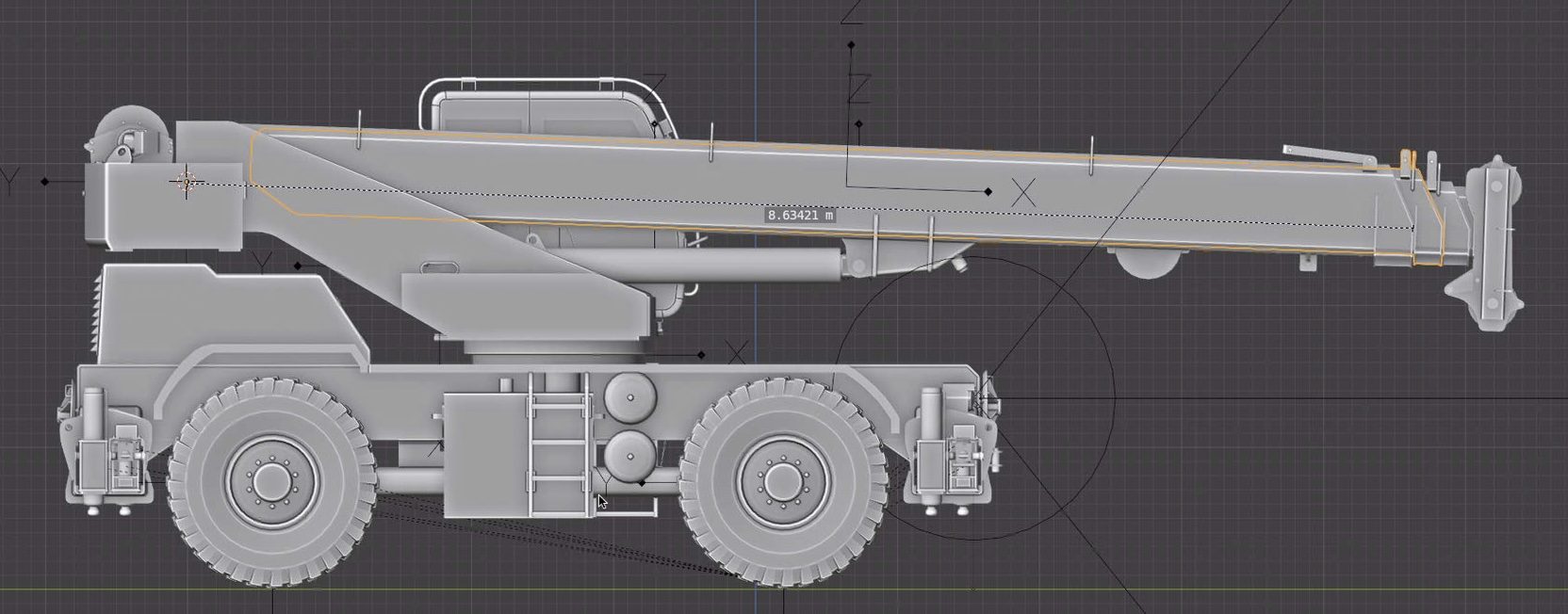
CAD model of a rough-terrain crane
In: your CAD
Simulated telehandler driving on a wet dock at night
Out: a drivable, lit, physical machine